
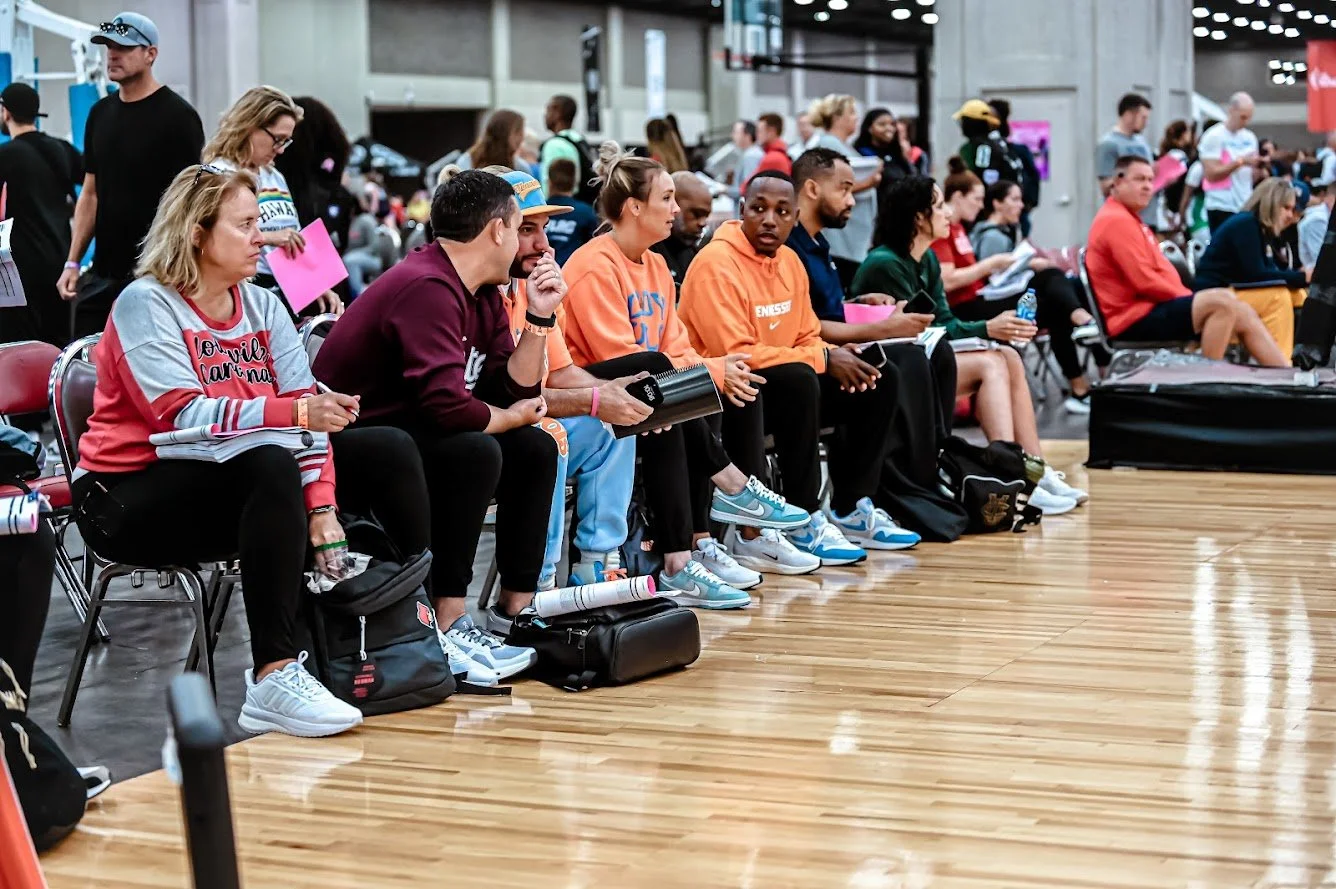
Coaches watch hundreds of these videos. They look for specific elements that set a player apart, and they'll close your tape inside the first 30 seconds if it doesn't grab them.
This is the longest of our recruiting guides because making a great tape is the single biggest controllable thing you can do to influence your recruiting outcome.
Know your identity
Before you cut a single clip, understand who you are as a player.
- Are you a defensive-minded point guard who is pass-first?
- Are you a high-flying wing who can knock down open threes?
- Are you a big-bodied banger who patrols the paint and protects the rim?
You're making your highlight tape to pitch yourself, so you need to know which player you're pitching. A few questions to help you figure out your skill set:
- What do you do better than anyone else on the court?
- Who is a player you're similar to? What do they do well?
- Describe your game in two sentences.
Take the time to do this. Without an understanding of your skills, you can't make an effective highlight tape.
Basic rules
A few things to avoid putting in your tape, and a few things not to stress about:
- Music, search for royalty-free instrumental beats so your tape isn't blocked on copyright grounds.
- No uncontested fast-break layups. That's not a highlight, it's a layup. (Unless you're showing athleticism or your ability to run the floor, leave them out.)
- No free throws, only exception is if you have no footage of jump shots and need to show your shooting form. (Even then, only for back-to-the-basket bigs.)
- No lucky plays. They detract from the player you're pitching. Examples: lucky finishes from bad plays, fumbling the ball into an assist, lucky bounces.
- Cut your clips carefully. Don't cut too short, if a play is developing, let it show. Cut once the ball is through the net and about to bounce on the ground. Don't cut while the ball is still in the net, and don't wait so long that the ball is being inbounded.
Which games should I use?
The biggest factor: your footage must be against the best possible competition level. Good moves against weak opponents leave coaches wondering if you're really that good.
Pick 3–5 games from a similar timeframe, one tournament, or the start of a season. More than that, and coaches will assume you didn't make many plays in each and had to stretch to find highlights.
Your tape should run 3–6 minutes with offense and defense covered.
Choosing clips
Only put in highlights that help you sell yourself as the type of player you are.
Lucky highlights or plays that you rarely make probably won't make the final cut. Example: if you're a silky-smooth point guard with a slight frame who doesn't do much around the rim, and you happen to block a smaller guard, that block probably shouldn't be in your tape.
But if you make a good decision and a play, but your teammate misses the shot, the highlight does deserve to be there.
Finally, make sure you show an extended series of yourself defending the position you want to play. Being able to guard your position is the biggest factor in what level of college basketball you'll play. Don't skip this section.
Tape construction
Cut your highlight tape into five sections:
- Introduction
- Shooting
- Decision making
- Rebounding
- Defense
After the introduction, order the remaining sections based on what's most important to your identity. If you're a shooter, shooting first. If you're a defensive-minded big, defense or rebounding first.
Introduction, information still screen
The opening screen shouldn't be a long, animated intro. Coaches watch tons of these. They want to see how you play before learning the ins and outs of who you are. Keys:
- The opening screen should be about 5 seconds. (Coaches can pause if they want to read it carefully, most fast-forward through it the first time.)
- Include this information:
- Name
- Height
- Weight
- Class (graduation year)
- When the footage was filmed, or the name of the tournament
- Avoid animated text. Keep it simple, easy-to-read, and professional.
Introduction, opening sequence
The goal: catch the coach's attention and display the type of player you are. So many tapes are put together poorly and confusing, coaches can't figure out who the player is in the initial scenes.
To clearly identify yourself, make the opening scenes either:
- you with the ball making a play and finishing
- a highlight dunk
- multiple threes in a row
Take 5–7 of your best highlight plays that show your identity and help you stand out. After this, decide which section to put next based on which best shows your strengths.
Shooting and scoring
Pretty easy to cut. Remember to cut each clip right before the ball hits the ground (after going through the net).
You can split shooting into smaller chapters:
- Spot-up threes
- Creating your own shot, moves off the dribble
- Attacking the rim to finish
- Moving without the ball
- Post moves
Decision making
Show passing ability and the ability to make the correct read based on how the defense plays you. Some chapters:
- Reads off penetration (pass or score), as primary ball-handler or filling spots as a receiver
- Reads off screens (on-ball or off-ball)
- Reads in transition
- Passing out of the post
Rebounding
If you're a guard, show defensive rebounds and your ability to push the ball in transition. If you're a big, show your motor, your timing, and your relentless pursuit of the basketball off the glass. Make sure you show:
- Ripping down rebounds in traffic
- Boxing out
- Pursuing offensive boards or keeping plays alive
Defense
You need to show extended series of yourself defending the position you want to play. Tailor this section to your position.
On-ball defense
- Guarding the perimeter
- Staying in front of your man
- Pressuring the ball
Transition and broken play
- Deflections, hustle, communication
Team defense
- Show your understanding of help-side defense
- Help-side blocks
- Playing passing lanes
Final touches
Where to upload
Our favourite is YouTube, familiar, easy to use, easy to share. If you have Hudl, Krossover, or use other recruiting platforms, throw it on there too.
YouTube also lets you create a collection of highlight tapes over time, all in one place, which lets coaches see your progression through your high school years.
Video description
Don't skip this. Use the video description to make all the relevant info available to coaches:
- Name, height, weight, college class, email
- When was this filmed? How many games are in this mixtape?
- What were the stats from these games (if available)?
- SAT or GPA (if available)
Tape name
Simple is best. Recommended format: Player Name. Tournament/League Year (Class of XX).
For example: Joe Bloggs. Prep Hoops Summer Jam, July 2025 (Class of 2026).
Cover photo
Don't stress. A nice action photo is good if you have one, but it's far less important than your basketball ability and how you cut up your tape.